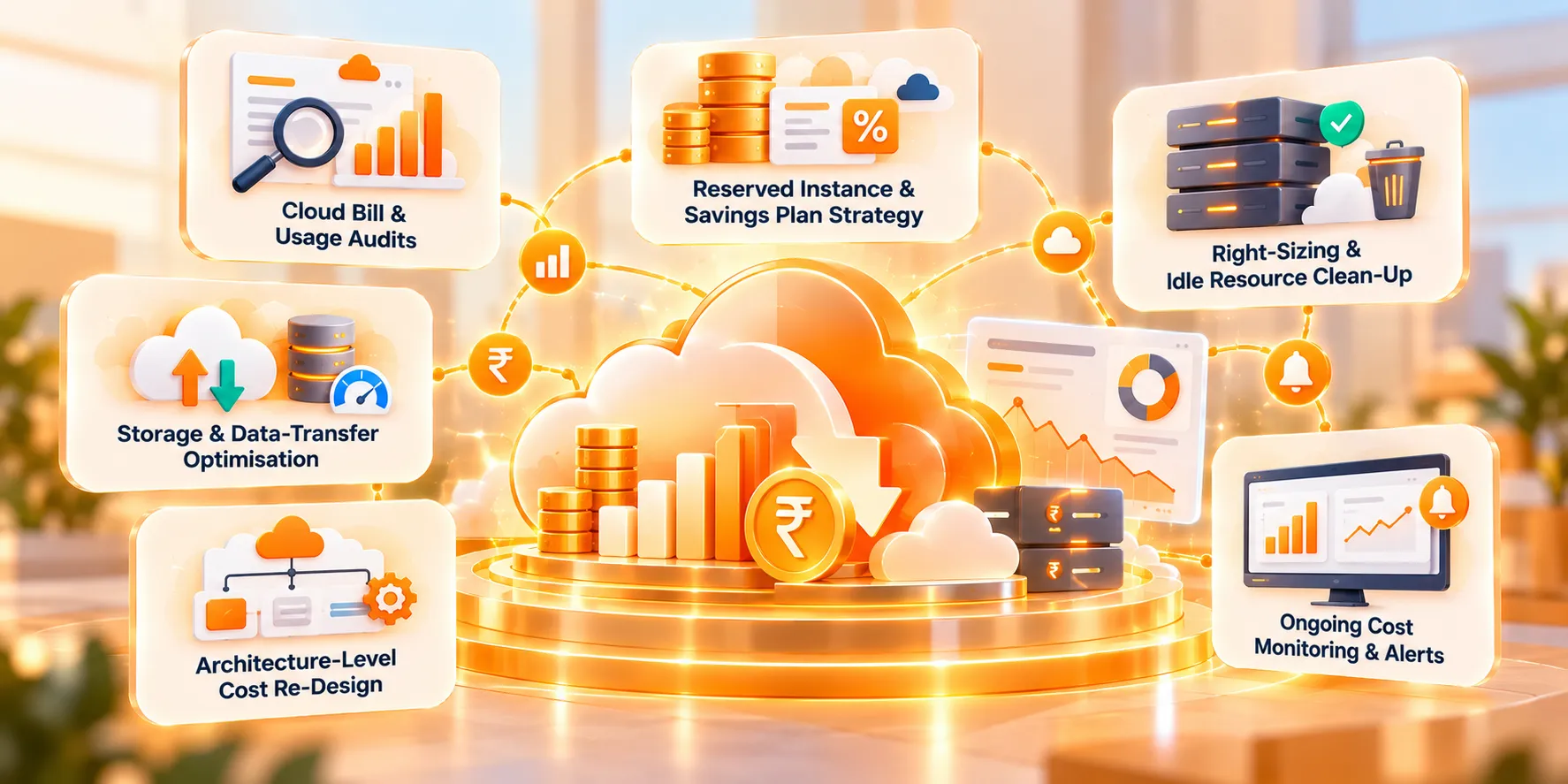






Cloud Cost Optimisation dashboard with analytics and bill reduction graphs

Cut your cloud bill to nearly half, without touching performance

We study your cloud bill and usage — AWS and beyond — line by line, then re-architect spend so you keep the same performance and reliability for a fraction of the cost.

~50% Typical bill reduction
30 days Typical audit-to-savings
0 Downtime during rollout
// WHAT'S INCLUDED

Deliverables under this practice.

Cloud bill being inspected with a magnifier over a usage chart

Cloud Bill & Usage Audits

Line-by-line review of AWS (or Azure/GCP) billing and actual resource usage.

Commitment calendar with a discount price tag and a falling cost arrow

Reserved Instance & Savings Plan Strategy

Matching commitment pricing to your real, sustained workloads.

Oversized server shrinking to a right-sized one, with an orphaned resource going into a bin

Right-Sizing & Idle Resource Clean-Up

Eliminating oversized, unused and orphaned resources.

Tiered storage layers sending data across the network with reduced transfer cost

Storage & Data-Transfer Optimisation

Reducing waste in storage tiers, snapshots and network egress.

Monolithic server redesigned into lightweight serverless services with lower cost

Architecture-Level Cost Re-Design

Restructuring workloads where the architecture itself is the cost driver.

Spend dashboard with a threshold line, a spike and an alert bell

Ongoing Cost Monitoring & Alerts

Dashboards and alerts that catch spend creep before it becomes a bill.

// HOW WE RUN THIS

Our process for this practice.

  1. 01

    Audit

    Pull 90 days of billing and usage data across every account and service.

  2. 02

    Model

    Map spend against actual usage to find waste and oversized resources.

  3. 03

    Re-architect

    Apply right-sizing, reserved capacity and architecture changes.

  4. 04

    Validate

    Confirm performance and reliability are unchanged before full rollout.

  5. 05

    Monitor

    Ongoing alerts and monthly reporting to keep savings locked in.

Tools & technologies

AWS Cost Explorer AWS Compute Optimizer Trusted Advisor CloudHealth Azure Cost Management Terraform
// PROOF

Recent work in this practice.

Cloud Cost Optimisation
47% lower monthly AWS spend

AWS bill reduction for Equipped AI

Audited and re-architected a sprawling multi-account AWS setup ahead of their peak retail season.

60 days audit to full rollout
// HOW YOU'RE BILLED

A billing model built around your savings, not our effort.

No upfront fee — you only pay once the optimisation is implemented and you are satisfied with the result.

1

No upfront fee for optimisation

The audit and optimisation work begins with zero fee paid in advance.

2

Billing is quarterly, in advance

Once billing begins, each cycle covers the upcoming quarter and is invoiced ahead of that period.

3

First bill: one month after implementation

The first invoice is raised a month after implementation, covering three months — and only once you are satisfied with the results.

4

Second bill: after 3 months of implementation

Raised three months after implementation, as advance charges for the following three-month period.

5

Terms are mutually agreed

Every billing cycle beyond this structure is set out and agreed in writing by both parties before it is invoiced.

You keep the savings from day one — we only get paid once you are seeing the results, and every quarter after that is agreed with you in advance.
// FAQ

Common questions.

Not sure where to start?

Tell us the outcome you need and we will map the right mix of services and a realistic timeline — free.

Book a scoping call →
Will this affect performance or reliability?

No — every change is validated in a staging environment first, and rollout is staged so performance and reliability are confirmed unchanged before it touches production traffic.

Do you need production access to our AWS account?

We work with read-only access for the audit phase, and scoped, logged access for the implementation phase — access is never broader than the task requires.

What if our usage patterns change after the optimisation?

That is what the ongoing monitoring covers — alerts flag drift early so savings do not silently erode as usage changes.